Learn Landshape — Command Types. Cut Commands

Cut Commands

What Are Cutters?

Cutters are Landshape commands that let you reduce the footprint of your terrain.

Why Use Cutters?

Cutters let you trim away existing terrain. Cutters are destructive.

Footprint control is fundamental. This warrants a separate command-type index.

Landshape only has has a few commands that can decrease the terrain footprint.

😊 Happy trimming!


List of All Cut Commands

Here are all of Landshape's Cutters, listed by top menu order:

Keep
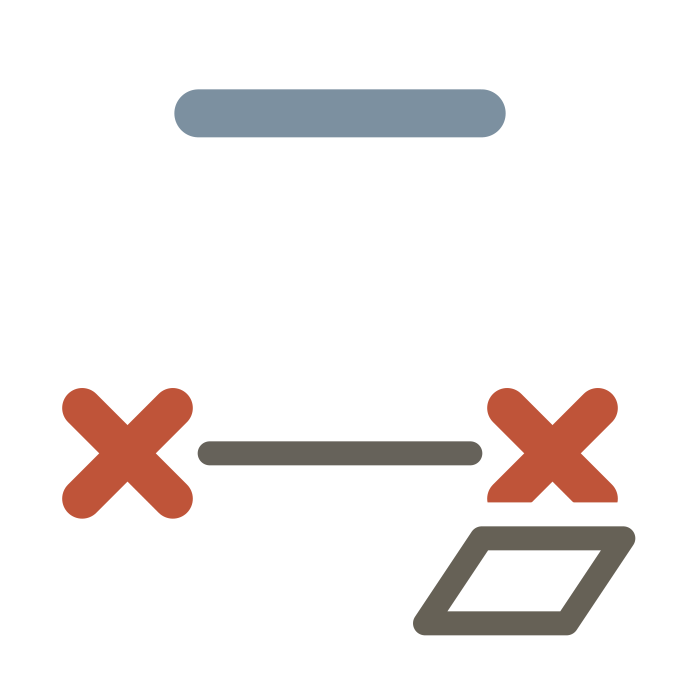
Preserve terrain inside selection bounds, and erase any terrain outside.

Useful to trim away terrain. Will remove any terrain plots that are not contiguous with the kept plot. Best used at the end of the workflow.

Menu:  Extensions > Landshape > Pick > Keep

Plot

Create new terrain, or trim existing terrain, by drawing a rectangle.

Useful to quickly make new terrain plots of a rectangular form. Hold Alt to Plot-Quake, and see what you get. Embrace playfulness!

Menu:  Extensions > Landshape > Draw > Plot

Cut

Erase terrain inside selection bounds.

Useful to trim away terrain. Best used at the end of the workflow.

Menu:  Extensions > Landshape > Prop > Cut
Last edited 2026-01-19
Grow Commands
Shape Commands

Cut Commands

What Are Cutters?

Cutters are Landshape commands that let you reduce the footprint of your terrain.

Why Use Cutters?

Cutters let you trim away existing terrain. Cutters are destructive.

Footprint control is fundamental. This warrants a separate command-type index.

Landshape only has has a few commands that can decrease the terrain footprint.

😊 Happy trimming!


List of All Cut Commands

Here are all of Landshape's Cutters, listed by top menu order:

Keep

Preserve terrain inside selection bounds, and erase any terrain outside.

Useful to trim away terrain. Will remove any terrain plots that are not contiguous with the kept plot. Best used at the end of the workflow.

Menu:  Extensions > Landshape > Pick > Keep

Plot

Create new terrain, or trim existing terrain, by drawing a rectangle.

Useful to quickly make new terrain plots of a rectangular form. Hold Alt to Plot-Quake, and see what you get. Embrace playfulness!

Menu:  Extensions > Landshape > Draw > Plot

Cut

Erase terrain inside selection bounds.

Useful to trim away terrain. Best used at the end of the workflow.

Menu:  Extensions > Landshape > Prop > Cut
Last edited 2026-01-19
Grow Commands
Shape Commands