Views let you control the visibility of your terrain and of related features.
What Are Views?
Views are Landshape commands that control the visibility of terrain-related objects or properties.
Most Views are toggles, turning the view on and off. Some Views, when turned on, let you tweak values in the VCB.
Why Use Views?
Use Views to e.g.:
• Style your terrain surface
• Better understand terrain mesh topology and volume
• Control terrain-driven objects, like water
• See your model in top parallel projection
• Extract isoline contours
How to Use Views
For a more about how to work with Viewers, see View Overview.
😊 Happy viewing!
List of All View Commands
Here are all of Landshape's Viewers, listed by top menu order:
Show Rim
Make the terrain's outermost border edges visible.
Useful to style the edges surrounding terrain plots. Make the edges stand out.
Menu: Extensions > Landshape > Prop > Show RimHide Rim
Make the terrain's outermost border edges invisible.
Useful to style the edges surrounding terrain plots. Make rim edges less salient.
Menu: Extensions > Landshape > Prop > Hide RimReset Edge Style
Restyle terrain edges to default format.
Useful to bring default Landshape terrain edge styling to all edges within corresponding terrain areas.
Menu: Extensions > Landshape > Prop > Reset Edge StyleView Top

Toggle view between top parallel and tilted perspective.
Useful to quickly check siteplan and control positions. To see through faces, combine with X-Ray style.
Menu: Extensions > Landshape > View > View TopView Nonterrain

Toggle nonterrain visibility, by tag.
Useful to turn the visibility of e.g. trees and buildings on and off. To work, you first need to tag them.
Menu: Extensions > Landshape > View > View NonterrainView Terrain
Toggle terrain visibility.
Menu: Extensions > Landshape > View > View TerrainView Water
Toggle terrain water.
Menu: Extensions > Landshape > View > View WaterView Skirt
Toggle terrain skirts.
Menu: Extensions > Landshape > View > View SkirtView Edge
Toggle terrain edge visibility (toggle hidden geometry).
Menu: Extensions > Landshape > View > View EdgeView Face
Toggle terrain surface between faceted and smoothed.
Menu: Extensions > Landshape > View > View FaceView Profile
Toggle terrain edge hiddenness.
Useful to control whether to show profiles when terrain surface is viewed obliquely.
Menu: Extensions > Landshape > View > View ProfileView Fence
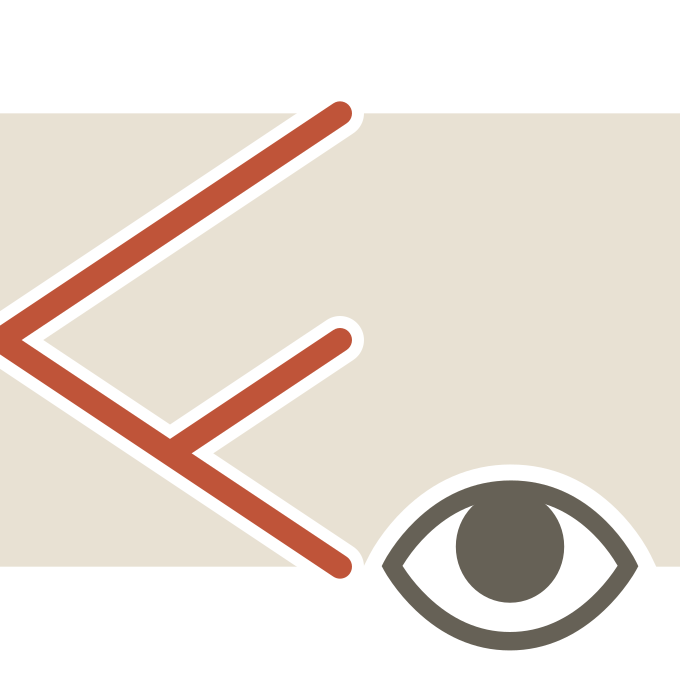
Toggle terrain fence visibility, by overlay.
Useful to understand where there are Fenced edges in your terrain.
Menu: Extensions > Landshape > View > View FenceView Zone Bounds
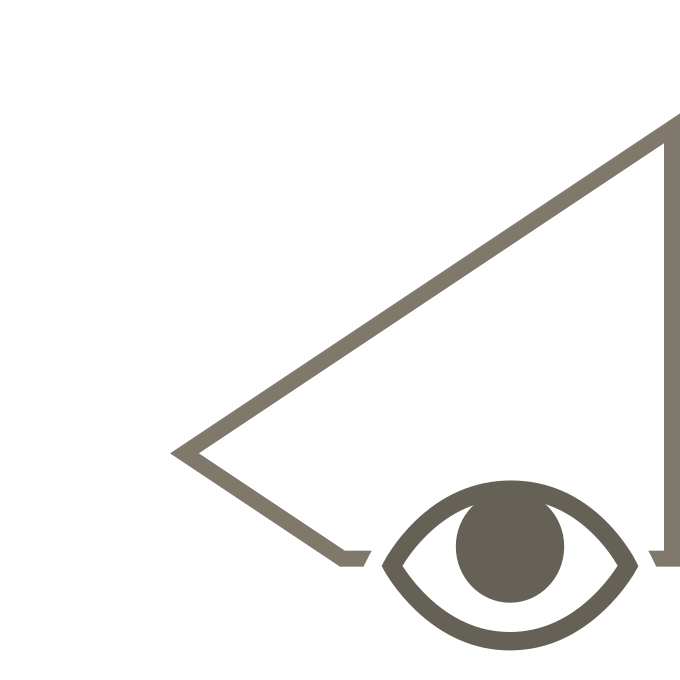
Toggle terrain material border visibility.
Useful to make edges between adjacent groundtypes more distinct.
Menu: Extensions > Landshape > View > View Zone BoundsView Contour

Toggle terrain elevation isoline visibility.
Useful to understand elevations in your model.
Menu: Extensions > Landshape > View > View ContourView Grid
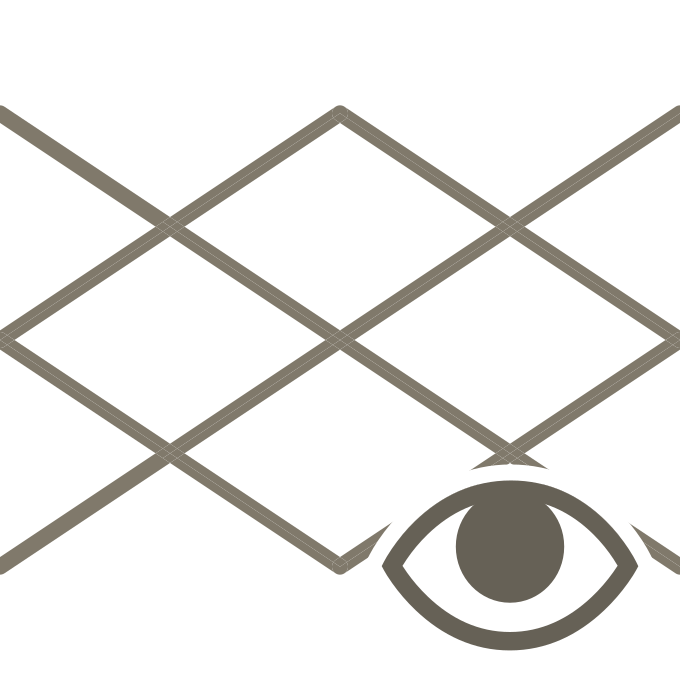
Toggle terrain longitude and latitude isoline visibility.
Useful to make lateral edge profiles with arbitrary spacing.
Menu: Extensions > Landshape > View > View GridRebuild View

Refresh active View items.
Menu: Extensions > Landshape > View > Rebuild ViewLoop View