






Command Types
Landshape has six major command types: Pick, Prep, Brush, Draw, View, and Survey.
All commands of a type share several key characteristics. Command icons show command type. Also, each command's Learn page should state its type.
Take some time to get know the six command types. Once you understand them, you can better grasp how to interact with, a Landshape command, and what to expect from it, just by looking at its place in the menu, or looking at its icon.
Clothes may not make a man, but sometimes an icon makes a command, kind of. It's almost like a cheat sheet. 😀
A Coherent System
If seeing a thing as a coherent system helps you understand it, Landshape's command types may be helpful to you. If systematizing is not your learning style, don't worry. You can spend your time learning Landshape hands-on.
Anyway, let's overview Landshape's command types:
Six Major Command Types
In Landshape, many command icons show a small subicon in their lower-right corner. The subicon lets you know which major type this command belongs to. The subicon shows you the its type.
The six major command types are:
 Rhombus = Pick Command.
Pickers let you edit terrain via selecting separate geometry.
 Rhombus Arrowed = Prep Command.
Preppers let you edit nonterrain geometry via selecting it directly.
 Ellipse = Brush Command.
Brushes let you edit terrain by interactively stroking it.
 Wriggle = Draw Command.
Drawers let you control terrain and nonterrain via classic point-and-click tools.
 Eye = View Command.
Views let you control global terrain styling and object visibility.
 Rightangle = Survey Command.
Surveyors help you analyze terrain properties. They don't edit terrain.
Each Landshape command belongs to only one major type.
Four Minor Command Types
In addition to the six major types above, there are also minor types. They complement the major types.
The four minor types are:
Two Minor Command Types
 Plus = Grow Command.
Growers let you create new terrain, increasing the footprint. Grow combines with other types.
 Minus = Cut Command.
Cutters let you remove terrain, decreasing the footprint. Cut combines with other types.
The two minor types above have their own independent subicon. Look for it in an icon's lower left corner.
Two Other Minor Command Types
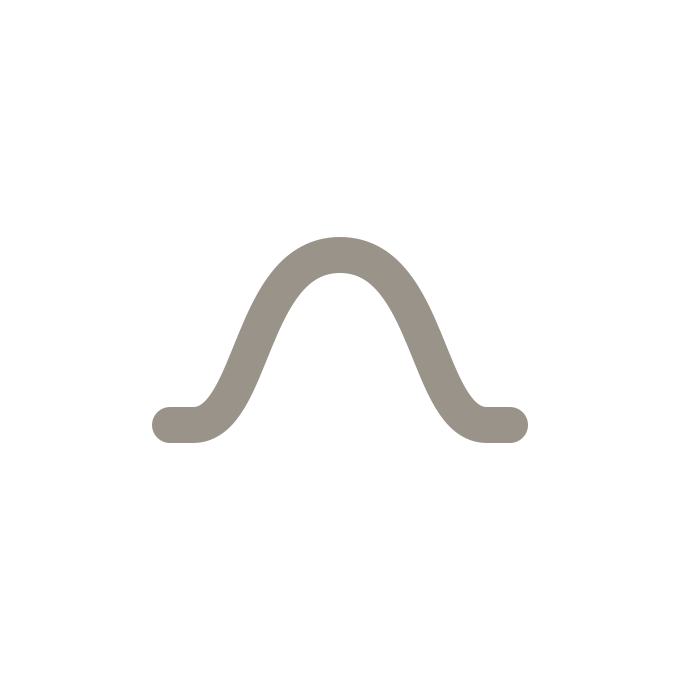 Mound = Shape Command.
Shapers let you move existing terrain up or down.
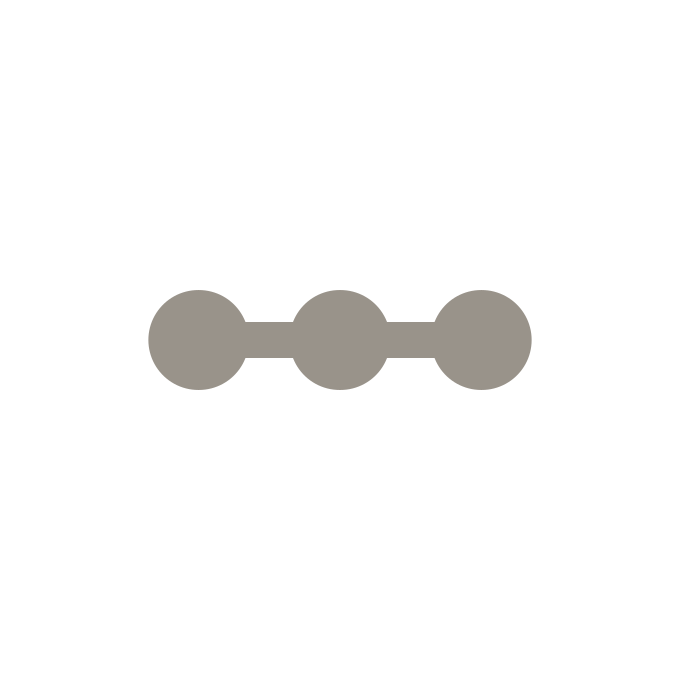 Dots = Mesh Command.
Meshers add or remove terrain vertices or edges.
Note
Most major-type commands also belong to one or more minor types.
The types above are the most important ones. Note that there are additional command types not commented here, as well as still unclassified commands.
Typed Example: The Fit Command
Since Fit lets you control terrain via control groups, Fit is a Pick command. Also, since Fit moves terrain up and down, Fit is also a Shape command. However, Fit never affects terrain topology or footprint. Therefore, it is not a Mesh, or Grow or Cut command.
Understanding Commands by Type
In Landshape, each of the six major command types has a menu of its own. And in Learn, an Overview page introduces each menu. The Overview page explains what sets this command type apart.
If you want to learn how to work with each different command type in practise, this menu Overview page is a good place to start.
Listing Commands by Type
Below are command type list pages. At the top of each list page is a short introduction to what this command type does. Then, each page lists every single Landshape command which belongs to this type.
📃 Are you a lover of lists? Let's start by listing all Pick commands.